

Weblogical – Truly Awesome CRM runs repetitive steps for you automatically, based on rules you set.
How a workflow is set up
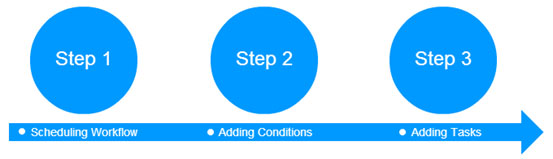
Step 1: schedule the workflow. Step 2: add conditions. Step 3: add the tasks the CRM should carry out, such as emails, WhatsApp or SMS notifications, reminders, approvals and field updates.
The workflow engine
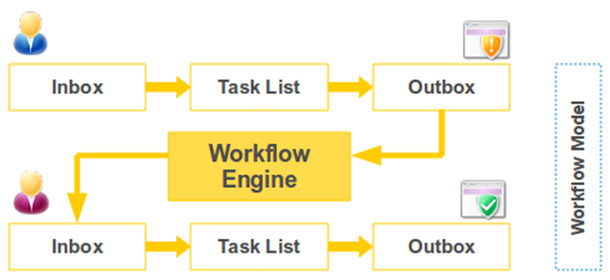
The workflow engine passes work from one person’s task list to the next, so approvals and hand-overs happen automatically and nothing slips through the cracks.
Workflows are included in the Ultimate Combo.
Also see: Sales Force Automation · CRM FAQs